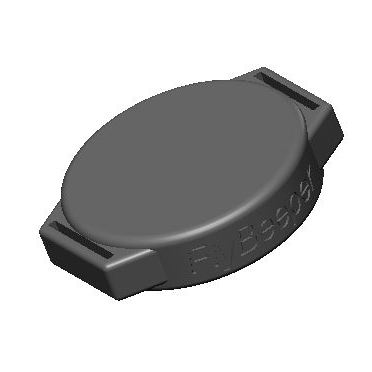
An external Bluetooth pressure sensor for paragliding flight apps such as xcTrack and SeeYou Navigator. The thing that sets it apart: pair it with your app once, then forget where you stashed it for a year or two. You do not need to power it on before each flight. The trick is that it is always on — available for a connection at any moment. As soon as the app subscribes to pressure notifications, the device wakes into active mode and reads pressure 40 times per second. The data is filtered, lightly smoothed and pushed to the app at 10 Hz. A low-noise sensor gives ±2 cm/s vertical-speed resolution; you can dial smoothing on the app side to near zero and get very snappy response, which makes the app’s audio vario fast too. When the connection drops (for example, you close the app), the device sleeps again until the next session.
This device is a stripped-down variant of FlyBeeper mini BT for users who only want the external sensor.
Why this exists
Flight apps have finally started using the capabilities of modern Bluetooth — in particular, simultaneous connections to multiple peripherals. That makes it possible to split a flight rig into specialised devices: buttons on the brakes, a barometer hidden in the cockpit, an airspeed sensor lowered on a line, and a solar-powered FANET radio on the cockpit. Each of these devices can carry a power source matched to its consumption, with a service life measured in years.
Specifications
- Barometric sensor: SPL06
- Power: 3 V CR2032 cell
- Battery life: 5 years in standby (4 µA), 400 hours active (500 µA)
- Bluetooth LE 5
- Industrial nylon case, 30 mm diameter, 8 mm tall, with two 12 × 1 mm mounting lugs.
Software support
As of late 2023, the only app reading pressure from the standard Environmental Sensing characteristic is maps.flybeeper.com. xcTrack has it in beta and ships support in the next release. SeeYou support is on the way too. If you want support in another app, leave a comment — I will try to reach the developers.
ESS is the most efficient way to transmit pressure over Bluetooth, so this device will not support legacy text-based protocols over a UART emulation. That option remains in FlyBeeper mini BT only.
Where to mount it
A barometer is a sensitive instrument. Protect it from wind and from heating. Avoid enclosed volumes that change pressure dynamically — pockets, harness compartments that inflate in the slipstream, and so on. Avoid direct sun: rapid temperature change strongly affects sensor readings. The best location is the cockpit — specifically, the back side, maximally sheltered from wind and sun. A good location is the harness’s internal pockets, away from volumes inflated by the slipstream, if the pocket is made of an air-permeable material such as neoprene. The worst location is the helmet, then the paraglider risers. The shoulder strap of the harness is acceptable.
When testing the sensor on the ground, especially indoors, be mindful of weather conditions. Outside wind changes pressure inside the building through HVAC, leaks and open windows. Opening doors and windows affects readings. Testing in a car will give false readings during acceleration and braking due to air sloshing in the cabin. Test outdoors in open air with little to no wind.
Enclosure
Homogeneous nylon, 30 mm diameter, 8 mm tall. No controls. Snap-fit back cover. A replaceable CR2032 cell sits under the cover.
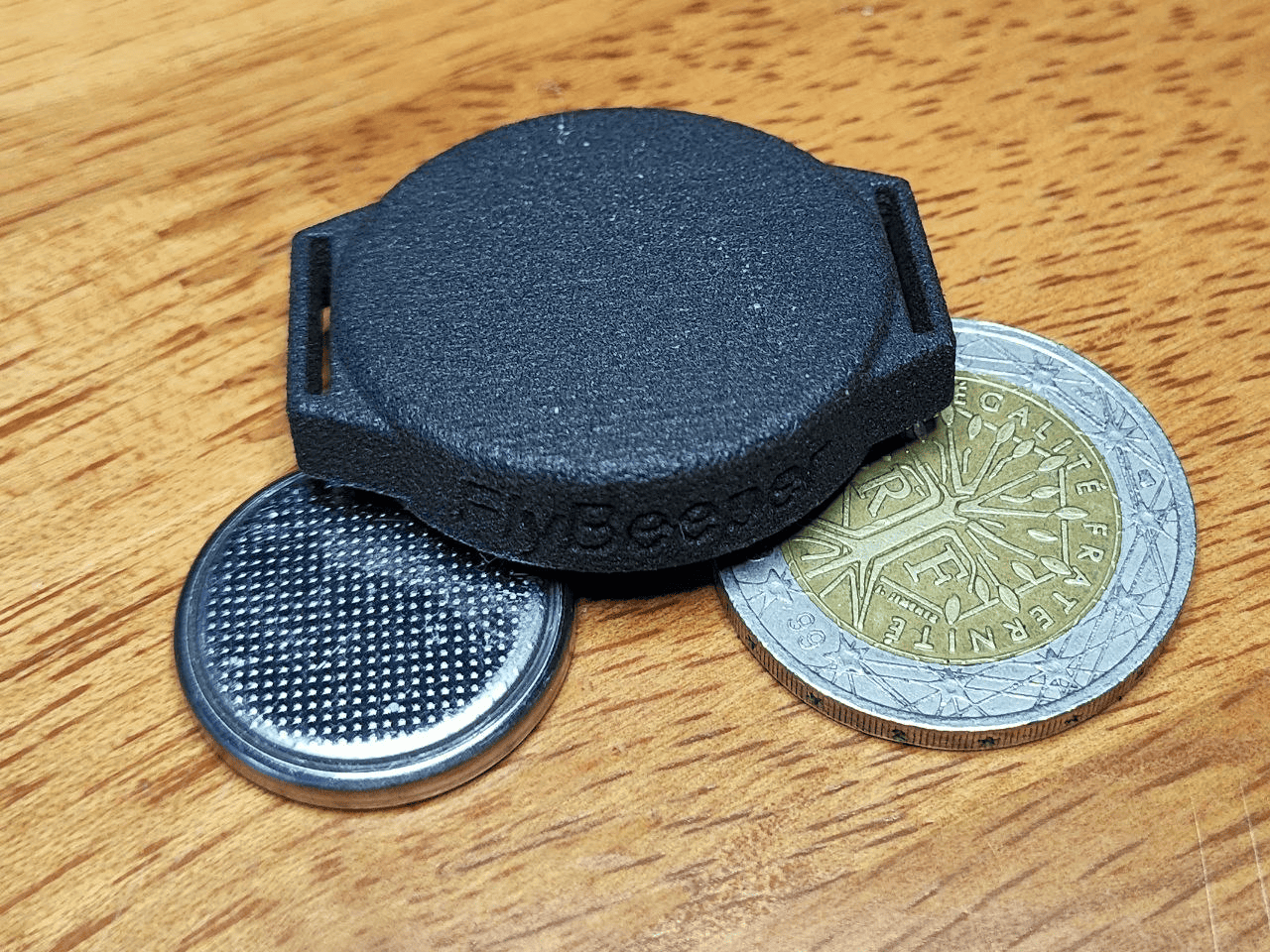 Industrial nylon case: 30 mm diameter, 8 mm tall, two 12 × 1 mm lugs.
Firmware
The current build supports a single concurrent connection but is structured to allow multi-connection — pressure can be broadcast to several devices simultaneously.
The standard 0x181A Environmental Sensing service exposes the pressure characteristic 0x2A6D. Notification rate by subscription is 10 Hz. You can sanity-check the device with the Web Bluetooth demo on googlechrome.github.io — with Bluetooth on, hit start notification and you should see FbPs1 in the device list.
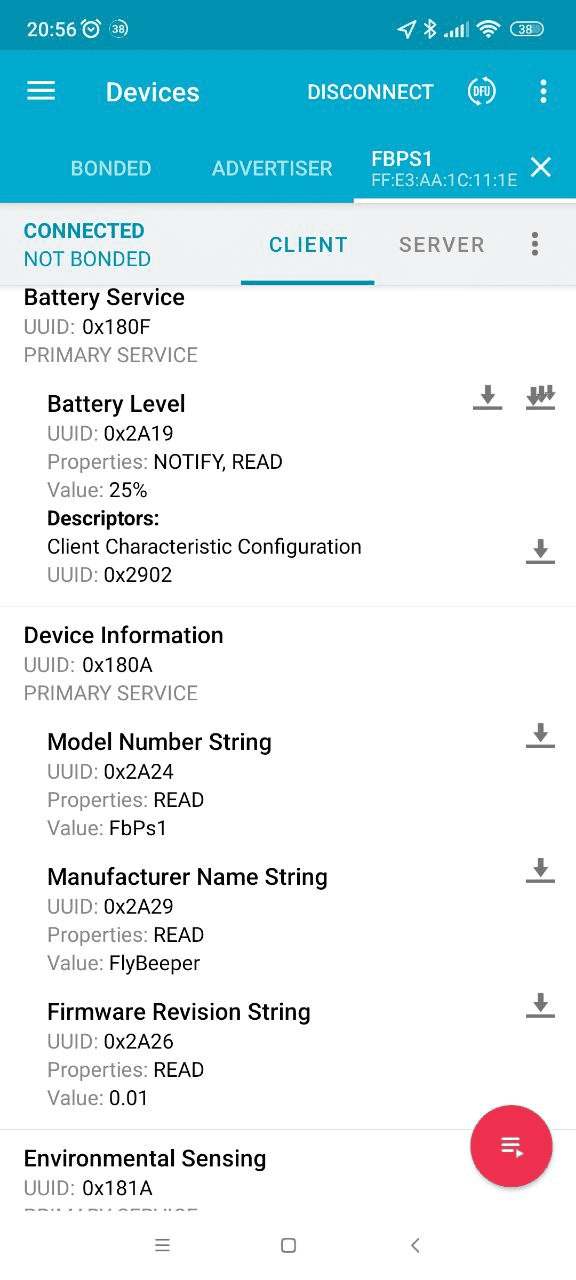 Device advertised as
 FbPs1 in the browser chooser.
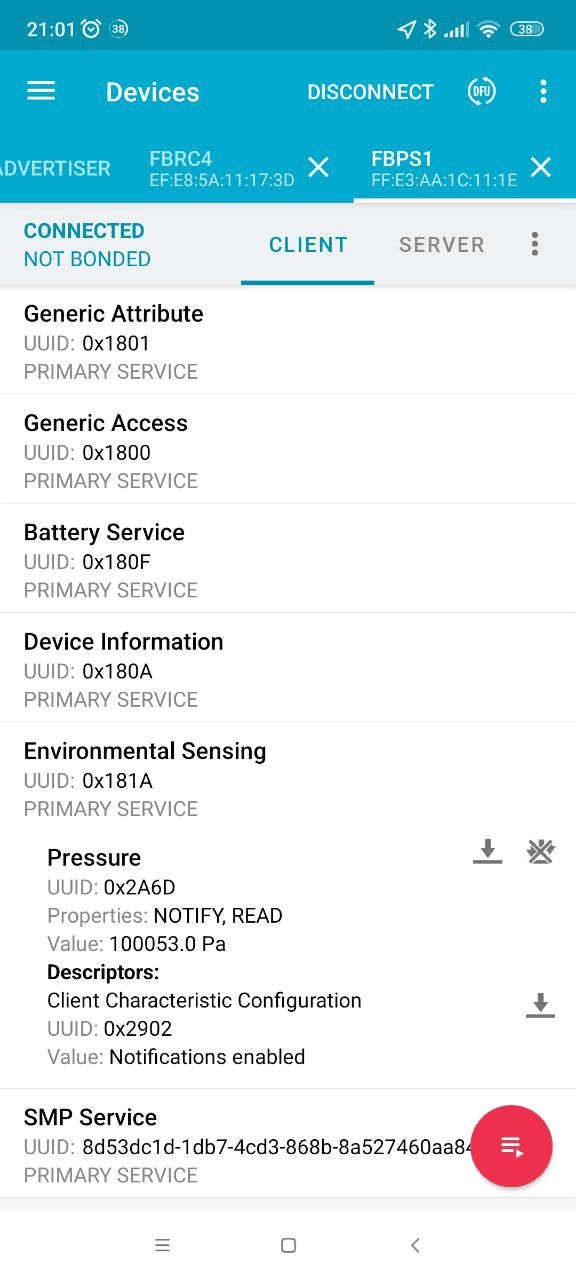 Live pressure notifications from characteristic
 0x2A6D.
The standard 0x180F Battery Service with 0x2a19 Battery Level reports battery percent.
The Bluetooth link does not require authentication or pairing.
The device supports over-the-air firmware updates (OTA / DFU).
Companion app
For testing, configuration and updates, use the progressive web app fbps1-conf.flybeeper.com.
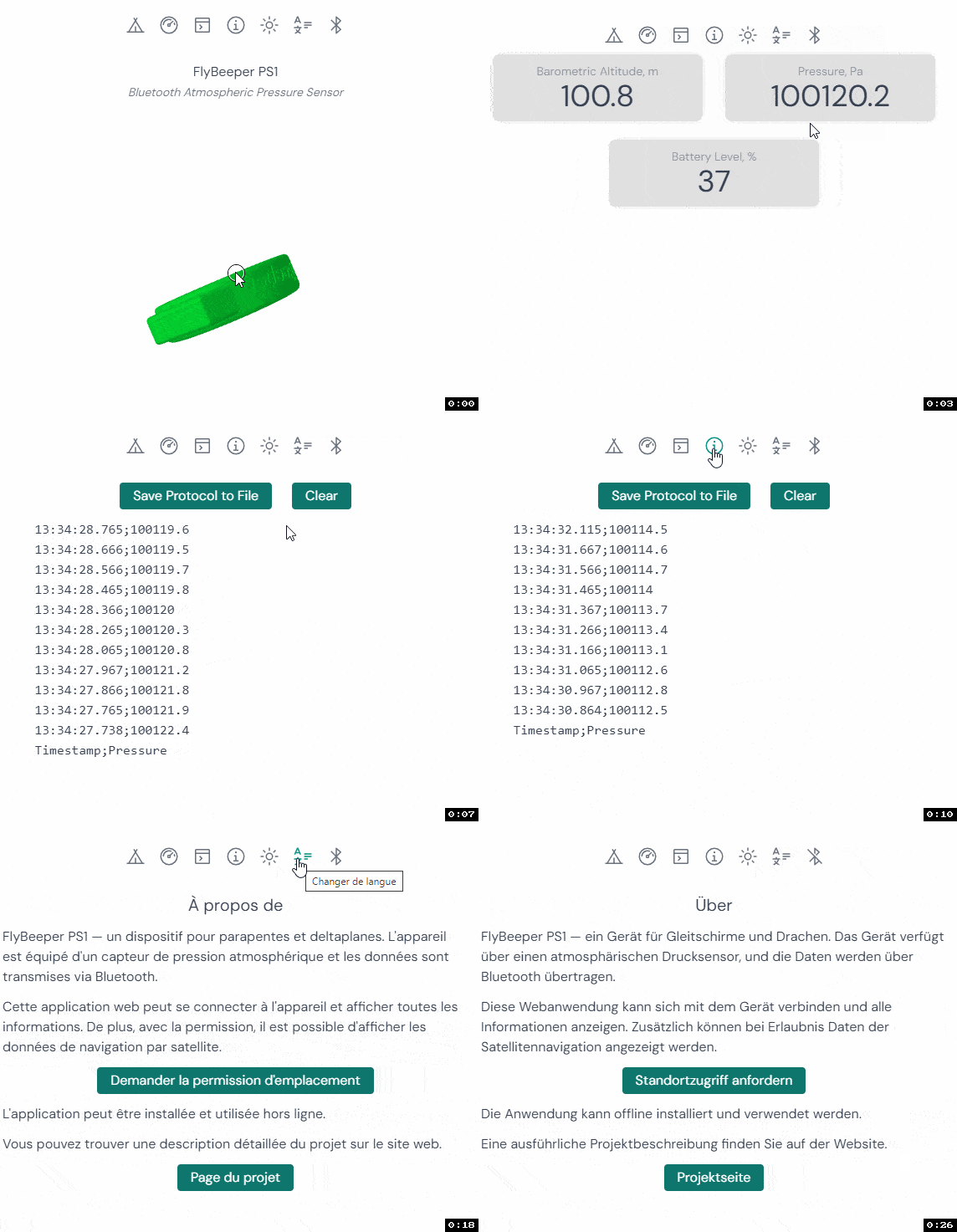 fbps1-conf PWA reading live pressure.
The device is supported in xcTrack starting from version 0.9.10.3-72. On a windy day, even with sharp pressure spikes the data from the barometer has very little scatter and a fast response. On a calm day with no pressure fluctuations, the sensor reacts so quickly that xcTrack’s filter cannot keep up with sharp changes from the raw pressure data.
Apps supporting this sensor
- 2024-05-29 — xcTrack v0.9.11.10+ — pressure sensor (ESS) and battery
- 2024-05-20 — SeeYou Navigator v3.0.6+ — pressure sensor (ESS) and battery
- 2024-04-08 — Flyskyhy v8.2+ — pressure sensor (ESS), battery and volume control